
WordPress hosting
WordPress & WooCommerce
Launch business websites, stores, and client projects with caching, backups, staging, and SSL.

Deploy websites, web apps, containers, and AI tools from one platform.
Manage your servers, security, and backups in one place.
From $6/month Free site migration Full server access
Pick what you’re building. Bring your sites, applications, and workflows
into one hosting environment.
WordPress hosting
Launch business websites, stores, and client projects with caching, backups, staging, and SSL.




Node.js hosting
Explore hosting for Next.js, Nuxt, Astro, and Express projects through our hosting platform.

Docker hosting
Bring a containerized application and discuss the server setup your project needs with our team.



PHP & Laravel hosting
Deploy Laravel or custom PHP with managed databases, root access, and your preferred development workflow.




One-click applications
Explore the application ecosystem, from n8n and Nextcloud to monitoring and database tools.




AI agent hosting
Plan an environment for your AI tools and agents, with hosting resources matched to your workload.
Choose a managed hosting plan below, or talk to our team about the resources and setup your application needs.
A managed server for your next project, or a conversation about your existing infrastructure.
Let us configure and maintain the server. You focus on your websites and applications.
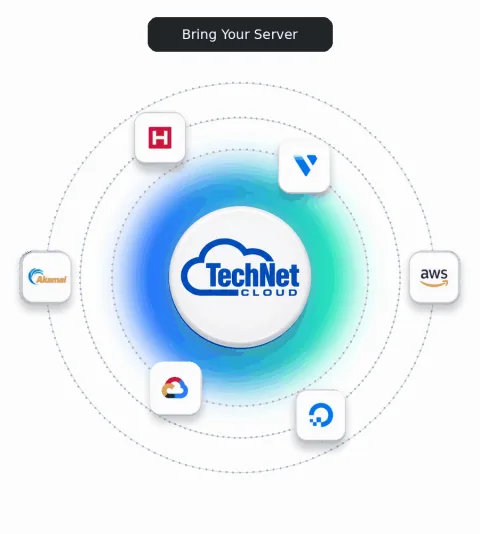
Explore connecting your own infrastructure to the platform. Talk with us about provider and account requirements.
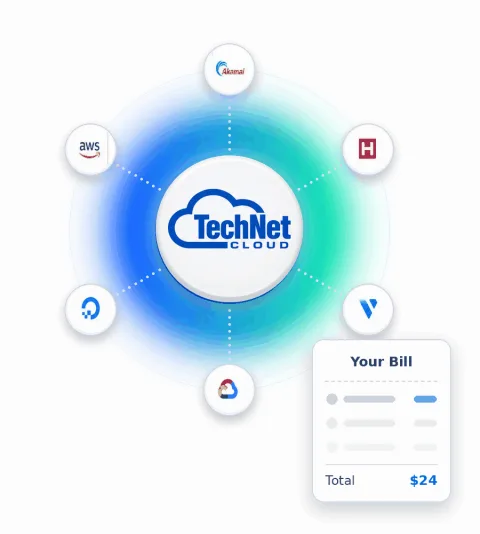
Bring client projects together and discuss a hosting setup that works for your agency.
A home for the stack you already use
Servers, applications, databases, backups, and security.
Manage your work from one connected dashboard.
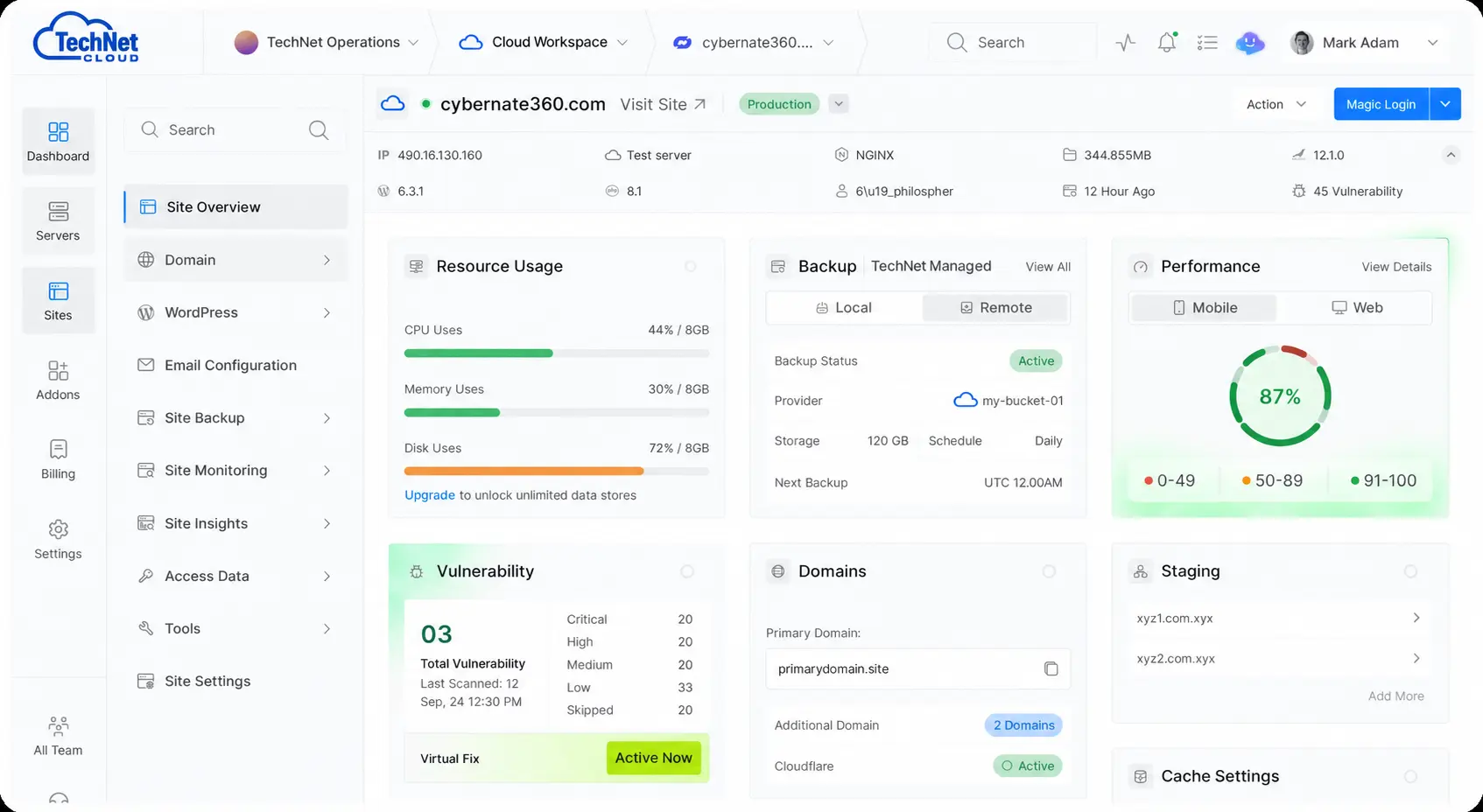
Manage your sites and keep everyday maintenance in one place.
Bring your sites and server information together, without jumping between tools.
Managed web servers and databases, with full server access when you need to configure more.
SSL, firewalls, and automatic updates help protect your managed environment.
Connect external storage and schedule backups for another copy of your data.
Connect your DNS and domain security to the Cloudflare services you use.
Protection at every layer
Server maintenance, automatic updates, and built-in protection
help keep your websites and applications secure.
The platform behind your hosting
Understand how your server, applications, and data are protected through managed updates, SSL, and backups.
Firewalls, maintenance, and automatic security updates for your environment.
Free SSL and Cloudflare integration help secure visitor connections.
Scheduled backups and off-site storage keep another copy of your work.
SSH and root access give you control of your server’s configuration.
Explore AI and developer tooling for your hosting workflow.
Connect your development workflow with your hosting. Ask our team about agent integrations and configuration for your account.
Explore agent workflows Claude Code
 Codex
 ChatGPT
 Cursor
 Gemini CLI
 Grok
 OpenClaw
 Hermes Agent
 OpenCode
Explore connecting your preferred client to the hosting platform.
Discuss how your automation can fit server and site management.
Use SSH and Git as part of your application workflow.
Deploy from Git
Bring your code to a managed server. Work with Git and SSH while the platform brings your application and infrastructure together.
› git pull origin main› install dependencies & build› publish the new releaseAn ecosystem of applications
From websites to automation and self-hosted tools. Explore application options with our team and choose the environment your project needs.
Explore applications WordPress
 PHPLaravel
 Node.js
 Docker
 n8n
 Nextcloud
 Supabase
 Uptime Kuma
 Ollama
 Umami
 WireGuardHosting assistant
A starting point for your next release:
Your hosting assistant
Explore the platform’s AI assistant for server and site operations. Contact us about availability in your account.
Ask about the assistantChoose the resources your projects need, with a configured stack and routine server maintenance included.
Free SSL, server firewalls, malware scanning, and automatic security updates.
Basic cloud uses SSD storage. Premium cloud offers NVMe SSD storage with plan-specific resource allowances.
Schedule backups and work with our team to move to a larger server as your websites grow.

Connect DNS, development tools, and backup storage.
Ask about infrastructure options for your projects.
Simple monthly plans
Managed cloud hosting with the resources clearly laid out.
All plans include free SSL, managed security, and free migration. View all pricing
Explore hosting guides and connect with the TechNet Cloud community.
Hosting resources
Explore guides and updates for your websites, servers, and development workflow.
Explore the blog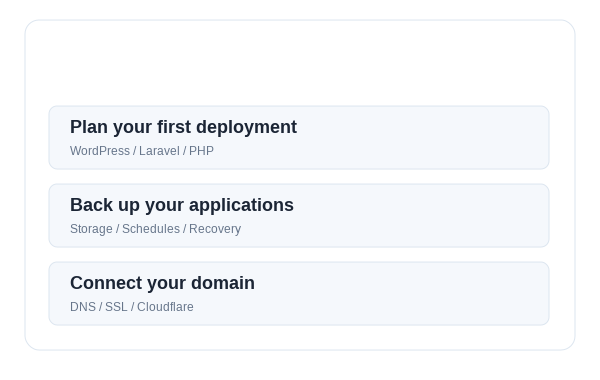
TechNet Cloud community
Follow TechNet Cloud for updates and conversations about your hosting.
Join the conversation
A team to help you move
Bring your existing websites to TechNet Cloud. Our team helps you plan the transfer and migrate your sites, free of charge.
Host WordPress and WooCommerce sites, PHP and Laravel projects, Node.js applications, Docker containers, automation tools such as n8n, and AI workloads. Choose the server resources and configuration your application needs.
Yes. TechNet Cloud offers free site and server migration. Contact our team to discuss your current setup and arrange a transfer.
Yes. You have full root access and SSH, so you can run commands and manage your server directly.
Basic plans use SSD storage. Premium plans use NVMe SSD storage and have different CPU, storage, bandwidth, and site allowances. Compare each plan’s specifications above.
You can move to a larger server as your needs change. Contact the team for help planning your upgrade and moving your sites.
Bring a domain from your preferred registrar and connect it to your TechNet Cloud site. Domain registration is handled by your registrar.