A server for your agent
Share the tasks, model connections, and companion services you want to run so the environment can be sized appropriately.

Hosting solutions
Bring your OpenClaw agent to a managed server configured around its runtime and integration needs.
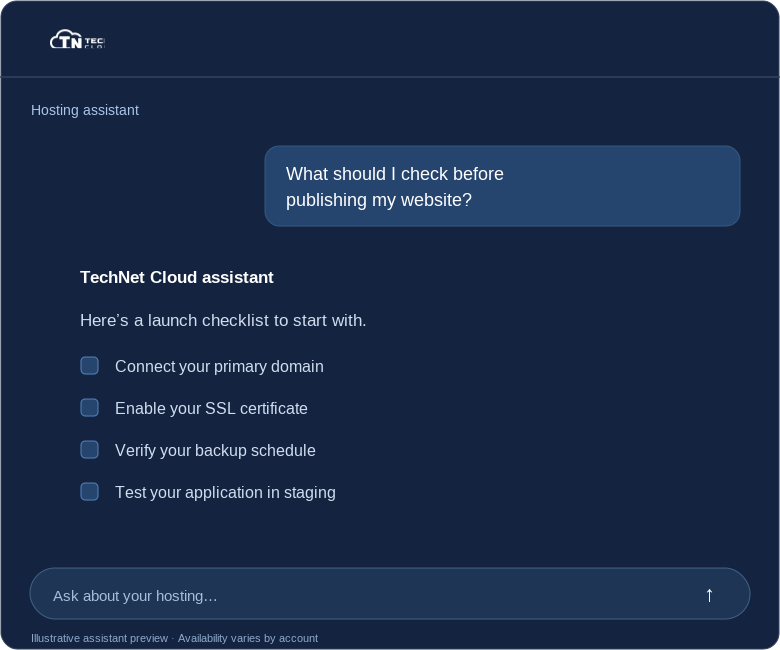
Explore the setup and day-to-day operations behind your hosting.
Share the tasks, model connections, and companion services you want to run so the environment can be sized appropriately.
Plan domains, credentials, callback URLs, and external integrations before enabling the agent’s workflow.
Include persistent data, updates, and backup requirements in your deployment plan.
Your next step
Tell us about your application and existing infrastructure. We’ll help you plan the hosting setup and any migration work.
Discuss your projectApplication stack, data, domains, current provider, and expected workload.
Review resources, backup storage, access, and account requirements.
Test the application, connect your domain, and review your recovery plan.
A few useful things to know about this setup.
Review memory, CPU, storage, bandwidth, and the website allowance in each plan. Share your workload with the team if you need help choosing.
TechNet Cloud offers assisted site and server migration. Contact the team to discuss the current environment and arrange a transfer.
Contact the team with your intended setup. Provider requirements, integration access, and any additional service costs can be reviewed for your account.
Talk to the team about your application, hosting resources, and migration requirements.